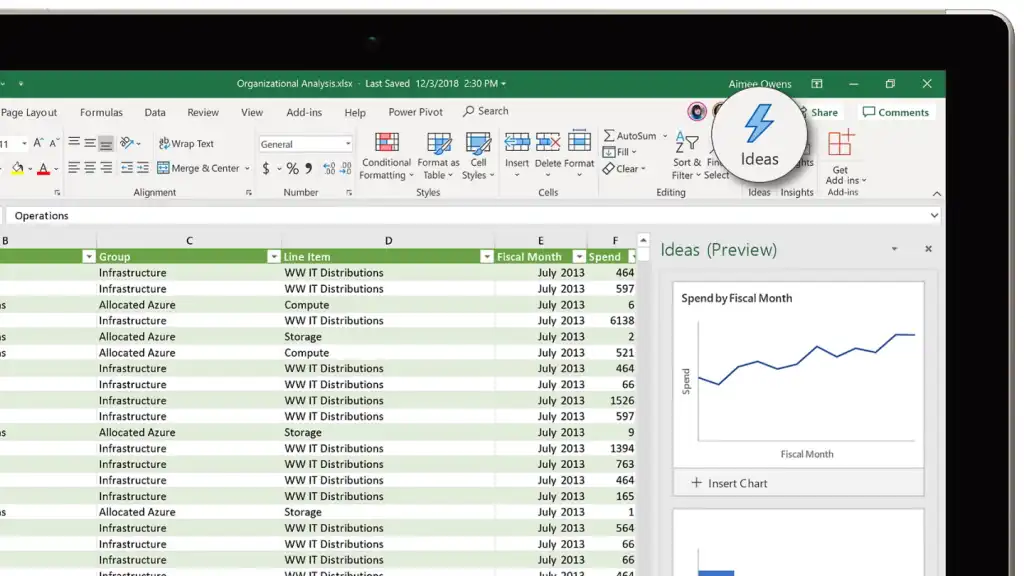
Write for every reader
Make each handover easy to scan, follow, and understand.
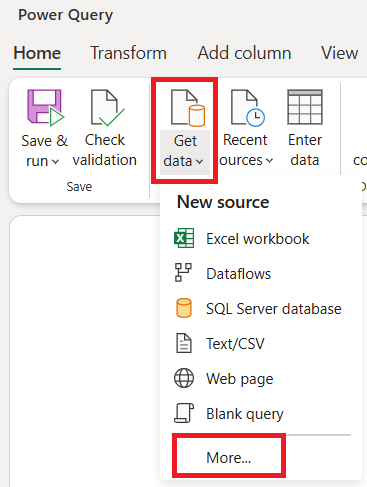
Go to your workspace and
open the retail dashboard.
Aurore turns scattered files and knowledge into clear, sharable handover guides.
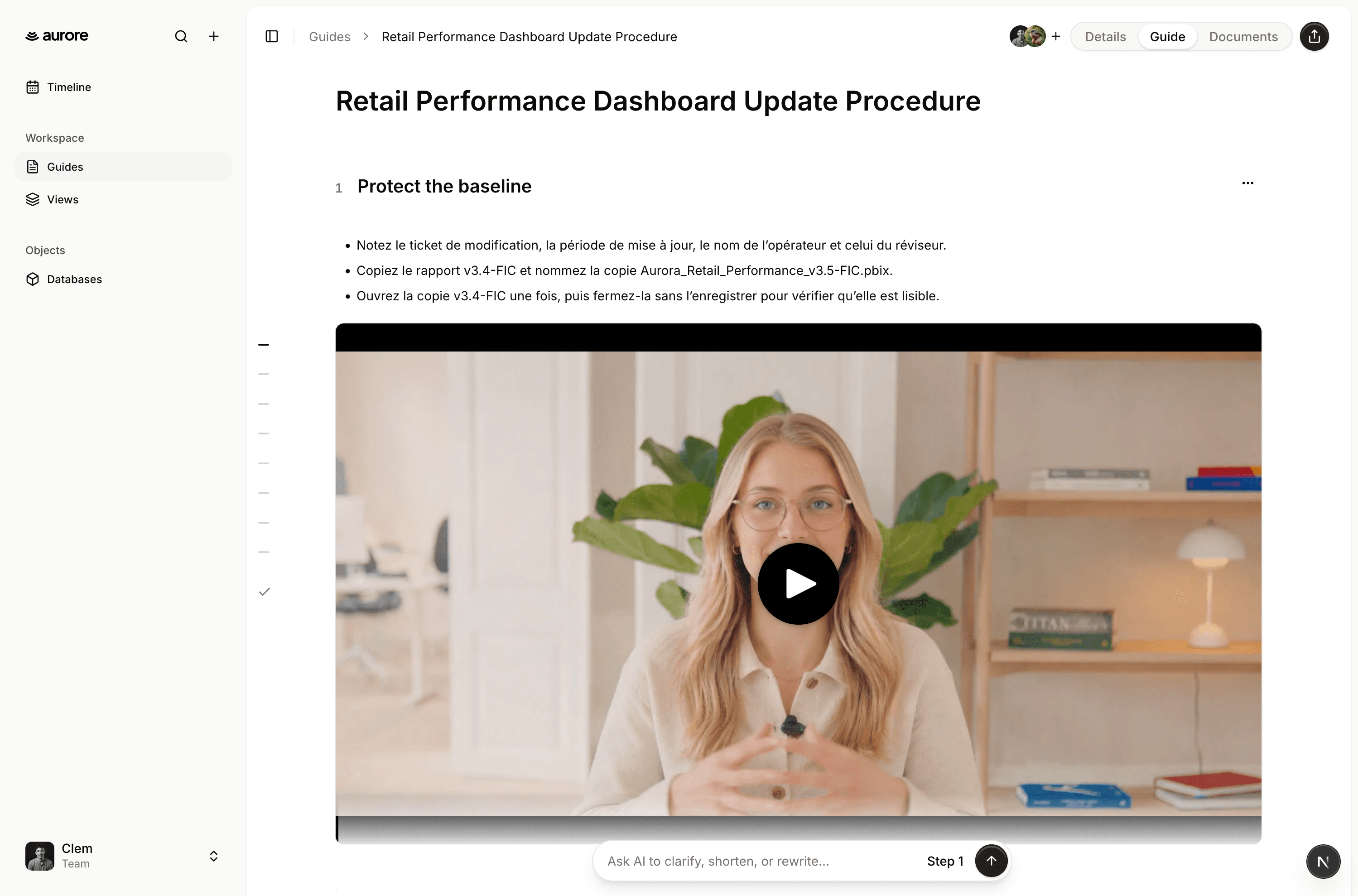
Make every handover clearer with accessible writing, rich media, connected objects, supporting documents, and AI-assisted editing.
Make each handover easy to scan, follow, and understand.
Go to your workspace and
open the retail dashboard.
Give every step the visual context it needs.
Keep the systems and objects behind each task in reach.
Store the supporting documents alongside the process.
Edit or translate an entire guide, or just the steps you select.
Start with what you already have, shape it into a clear handover, and deliver it in the format the next person needs.
01 · Create your guide
Turn an existing document into a structured guide.
02 · Choose how to share
Give the workspace or a sub-team direct access to the guide.
Give every guide an owner and an update schedule, keep process knowledge in one workspace, and show analysts exactly what needs attention next.
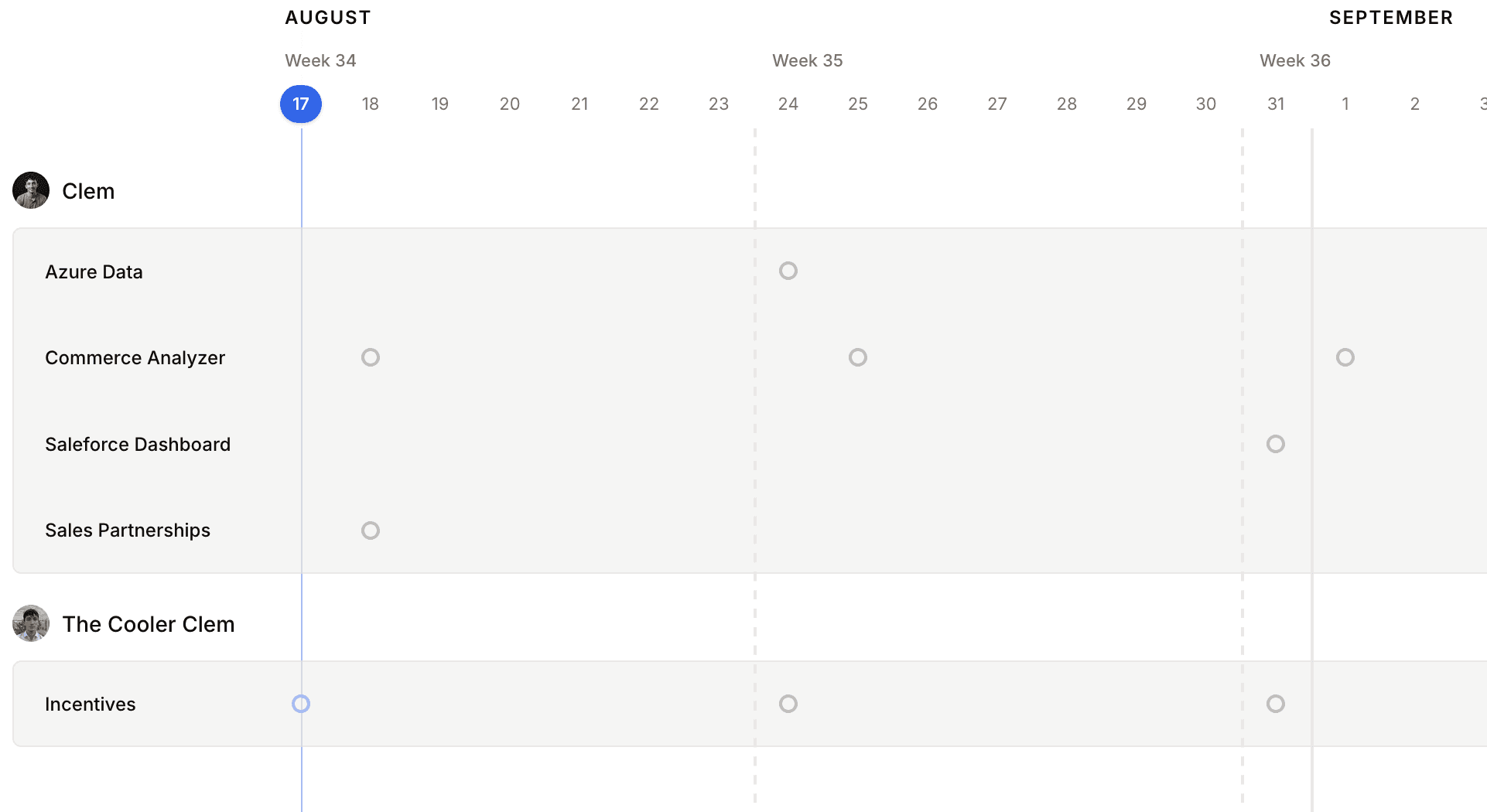
Assign an owner and an update schedule to each guide. Timeline groups upcoming updates by person and date, so the team can see what is due without opening every guide or asking each owner.
Store guides, source files, and handover context in one organised workspace. Share the right files with the right teammates, without chasing links, attachments, or versions.
Create sub-teams within your wider workspace, so each group can focus on the guides and files that matter to them.
Give your team one shared workspace, then invite teammates by email. When they sign up with that address, they join with the files, guides, and context they need from day one.
Share the steps and context behind your work without uploading the underlying datasets.
Keep your underlying datasets in the tools and storage you already use.
Each guide starts personal. Share it with your workspace or a sub-team only when the right people need it.
Set links to expire, restrict them to approved email addresses, and revoke access whenever you need to.
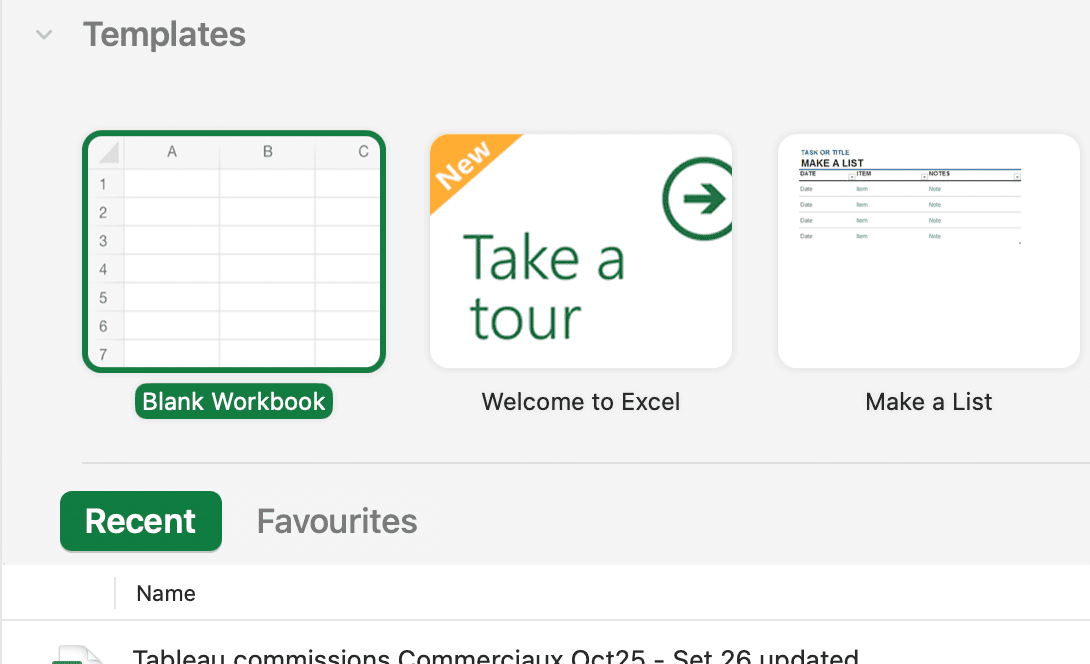
You can start with a blank guide or generate a first draft from a PDF, DOCX, Markdown, or TXT file. Documents and videos can then be added directly to the relevant steps.
Guides are personal by default. You can share them with your workspace or a sub-team when the handover needs to stay internal.
Choose how long the link remains valid and optionally restrict it to approved email addresses. You can review active links and revoke them at any time.
Yes. Export it as PDF or DOCX, or send a secure link when the recipient needs the complete interactive guide, including its videos.
Assign an owner and an update schedule to each file. The workspace Timeline then shows upcoming updates, who owns them, and how much time remains.
Yes. Aurore can generate a draft from a supported file and help rewrite selected steps while preserving the guide’s images and videos. AI editing is included with paid plans.
Give the next analyst the steps, files, context, and ownership they need to continue with confidence.